Integration Setup
Integrations connect an application in the TEKTELIC Network Server to an external system. Depending on the integration type, the Network Server can forward uplink data and events to an external application and
Before creating an integration, make sure that:
- the required gateways are provisioned and online;
- the required devices are provisioned and online;
- an application is created;
- a compatible data converter is available.
-
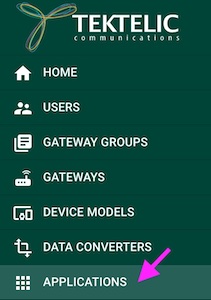
Navigate to Applications.
-
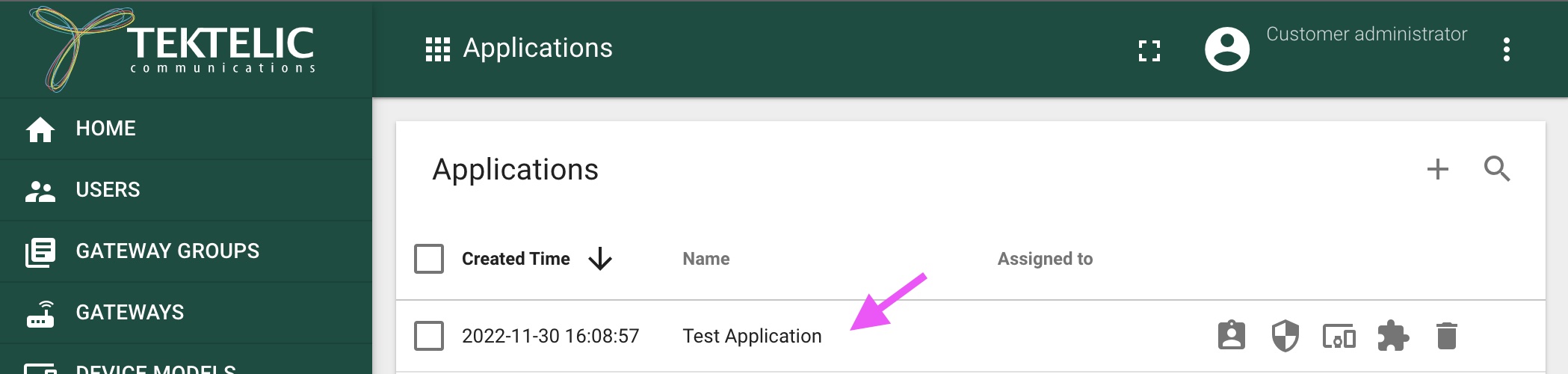
Open the required application.
-
Open the Integrations section.

-
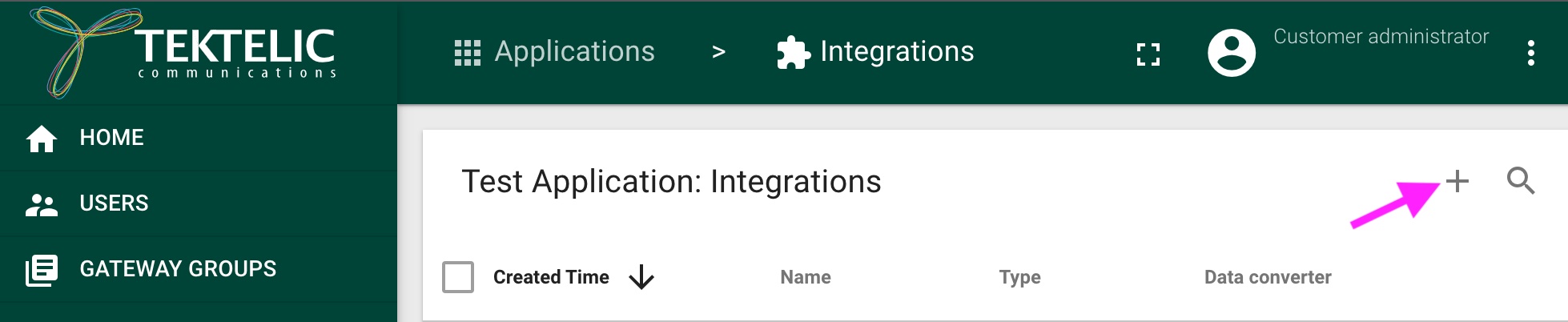
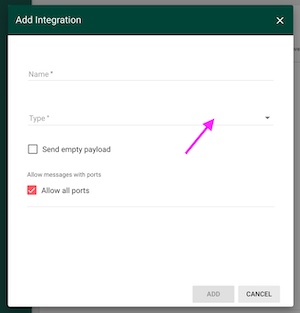
Click Create Integration.
-
Select the integration type
-
Configure the required integration parameters.
-
Select a compatible data converter.
-
Click Save.
HTTP V1 forwards device uplinks from the Network Server to a configured
HTTP endpoint. An external application can also submit downlink requests
to the Network Server.
For detailed configuration description please see: HTTP Integration
HTTP V1 uses V1 data converters. V2 data converters are not supported.
MQTT V1 connects the Network Server to an external MQTT broker. The Network Server publishes uplink messages to the configured push topic and subscribes to the configured pull topic for downlink messages.
An external MQTT broker is required.
For detailed configuration description please see: MQTT Integration
MQTT V1 uses V1 data converters. V2 data converters are not supported.
HTTP V2 is the newer HTTP integration and supports V2 data converters and an extended set of metadata fields.
Only V2 data converters can be used with HTTP V2.
MQTT V2 is the newer MQTT integration. It supports an extended set of MQTT configuration parameters, configurable per-device topics, and V2 data converters.
Only V2 data converters can be used with MQTT V2.
The MQTT Broker integration provides access to the Network Server embedded MQTT broker. External applications can connect directly to the Network Server as MQTT clients without deploying a separate MQTT broker.
Only V2 data converters can be used with the MQTT Broker integration.
- Tago.io
- ThingBoard
- Azure IoT Central
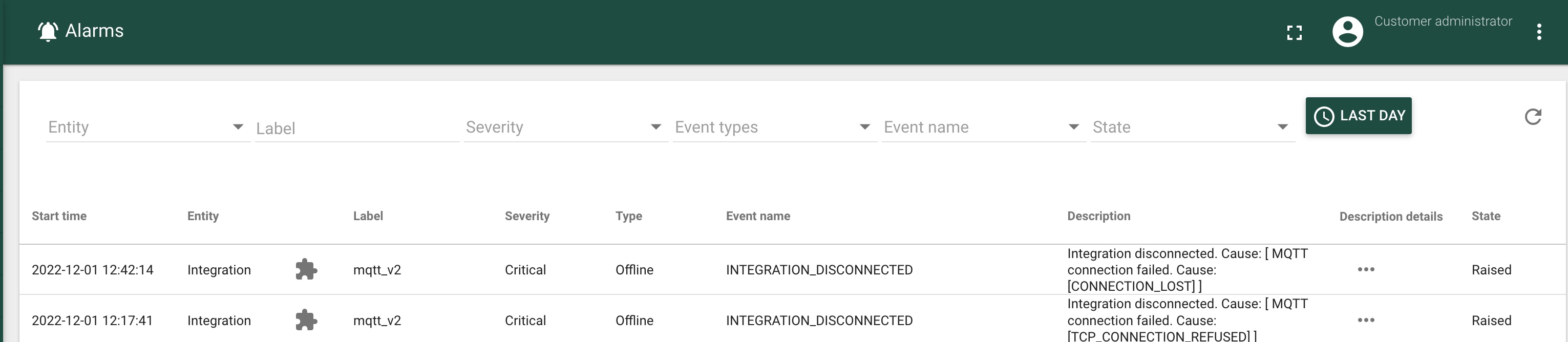
If an integration reports an error:
- Open Alarms.
- Filter the list by the affected integration.
- Review the alarm description for details.
- Verify the integration endpoint, credentials, network connectivity, and data converter.
- For integrations that support retries, review the integration retry and delivery statistics.